
 English
 العربية
 Deutsch
 español
 français
 italiano
 português
 русский
 Türkçe
 Tiếng Việt
Image DPI Checker: Check the DPI of an Image Online
Upload a JPEG or PNG to see its DPI, pixel size and print size in seconds. Find out if it’s ready for 300 DPI printing. Free, no signup.
Check Image DPI in Seconds
Printers, publishers and print shops ask for 300 DPI files, but most image viewers hide that number. This DPI checker reads the resolution stored in your image and shows it next to the size it will print at.
Read more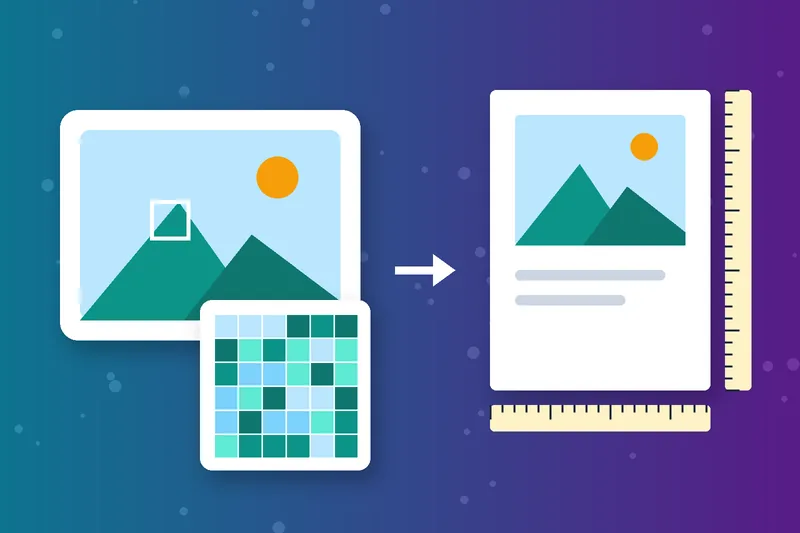
See Pixel Size and Print Size Together
DPI alone doesn’t tell you how big a photo will print. The tool shows the pixel dimensions and works out the print size in inches and centimetres, so you know exactly what you’re working with.
Know if Your Image Is Print-Ready at 300 DPI
Next to the detected DPI, the checker shows how large the image would print at 300 DPI, the standard for sharp prints. If that size is smaller than you need, find a larger original before you send it to print.

Check Photo DPI Without Photoshop
No editing software needed. Upload a JPEG or PNG up to 5 MB and the photo DPI appears instantly. It works in your browser on Windows, Mac, Android and iPhone.
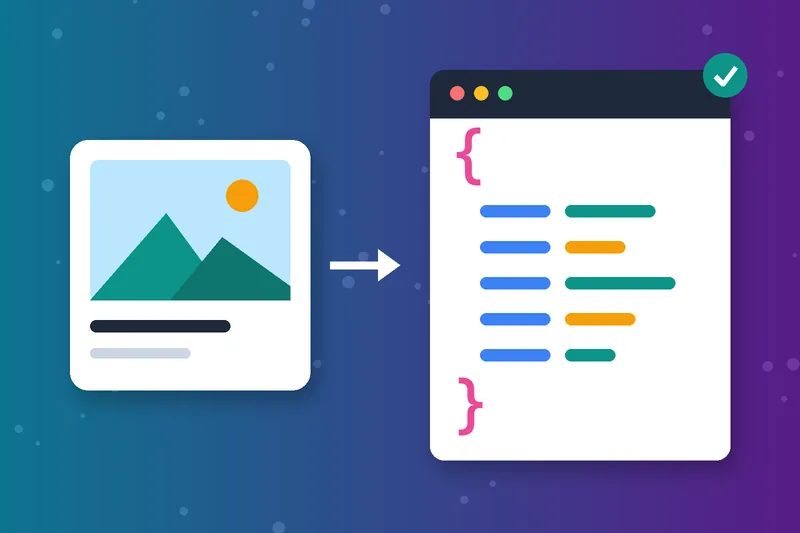
Export the Results as JSON
Need the numbers in a report or a script? Export the DPI, dimensions and print sizes as JSON, ready to save or share with a designer or developer.
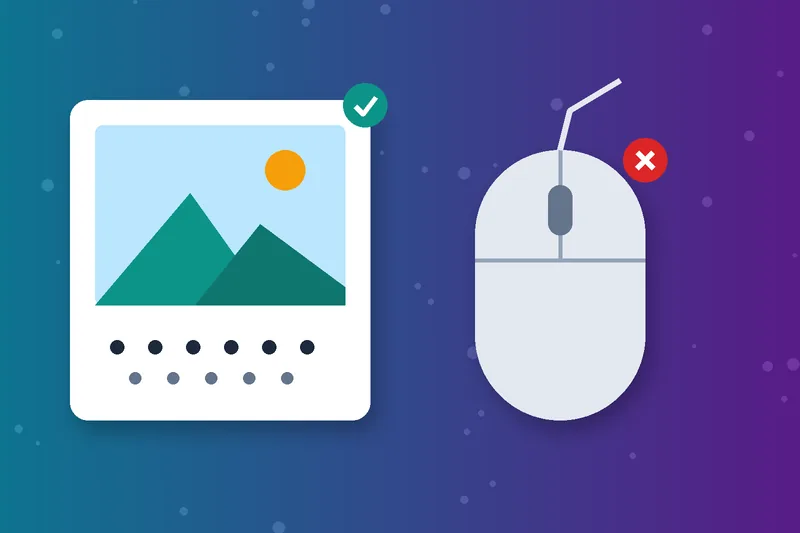
Image DPI, Not Mouse DPI
This tool checks image resolution, the dots per inch used for printing. Mouse DPI measures cursor sensitivity, which is a hardware setting you check in your mouse software instead.
How to Check the DPI of an Image
Upload your image
Click Check DPI
Read your results
Export or clear
Image DPI Checker FAQs
Everything about checking image DPI and print size.
What is DPI in an image?
How do I find the DPI of an image on Windows?
How do I check the DPI of an image on a Mac?
How do I check DPI in Photoshop?
Why does my image show 72 DPI?
How do I work out print size from DPI?
Can I change the DPI of an image here?
Is the image DPI checker free?
Need a Different Size? Fix It in Seconds.
Get the right proportions with the Image Aspect Ratio Calculator, or change the dimensions with the Image Resizer.
Image Aspect Ratio Calculator
Raheel Jakhura
CEO / Co-Founder
Our goal is to provide online free tools so you don't have to install any software for basic usages. We are trying to add more tools and make these tools free forever.
