
 English
 العربية
 Deutsch
 español
 français
 italiano
 português
 русский
 Türkçe
 Tiếng Việt
Image to Base64: Convert Images to Base64 Online
Upload a picture and this tool converts the image to Base64 text you can paste straight into code. It works with PNG, JPG, GIF, BMP, SVG and WebP. Free, no signup.
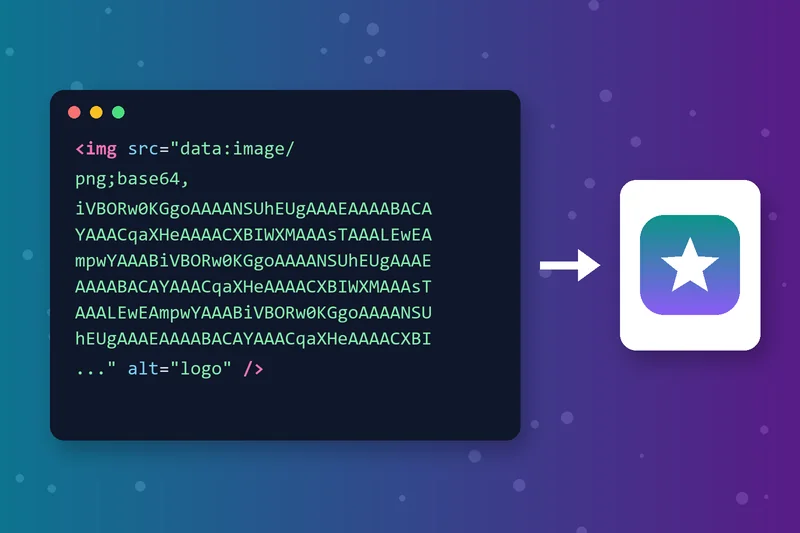
Base64 Image Encoder for HTML and CSS
This Base64 image encoder turns your file into plain text. Paste it into an img src or a CSS background and the picture loads with no separate image request.
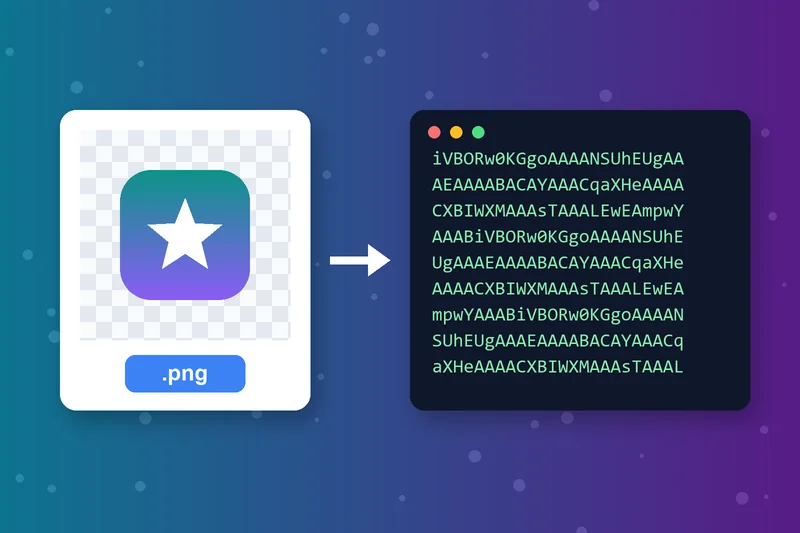
Convert PNG to Base64
Small PNG icons, logos and UI sprites are the most common files to encode. Upload the PNG, click Convert and copy the string. Transparency is kept, because Base64 stores the file exactly as it is.
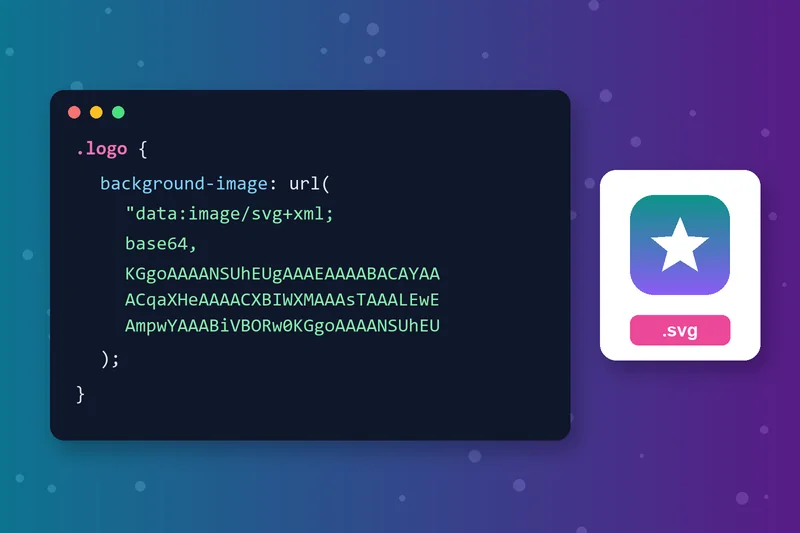
SVG to Base64 for Inline Icons
Convert SVG to Base64 for logos and icons in CSS backgrounds and single-file pages. Base64 works in every browser and pastes cleanly, with no special characters to escape.
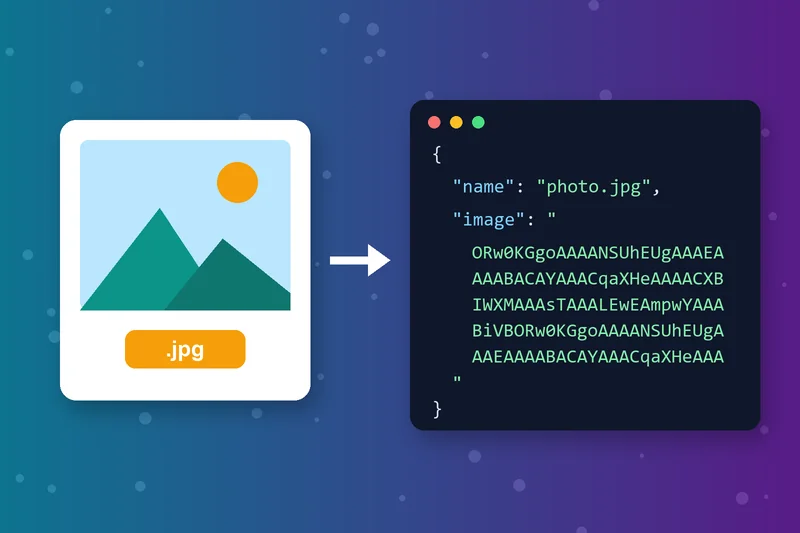
JPG to Base64 for APIs and JSON
Need to send a photo inside JSON, an API request or a database text field? Convert JPG or JPEG to Base64 and the image travels as plain text.
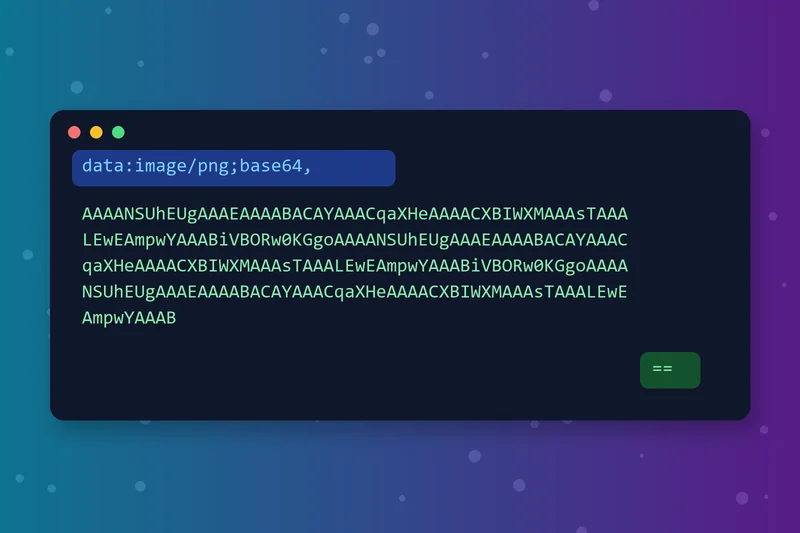
What an Image Base64 String Looks Like
A Base64 image is a long run of letters, numbers, + and / characters, often ending in =. With a prefix like data:image/png;base64, a browser reads it as an image.
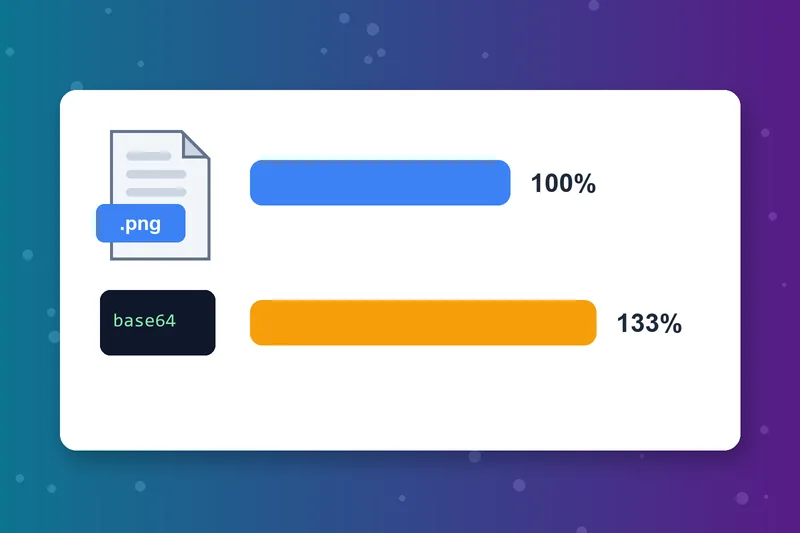
When Base64 Images Make Sense
Base64 makes files about 33% larger, so it suits small images of a few KB. Keep large photos as normal files so browsers can cache them.
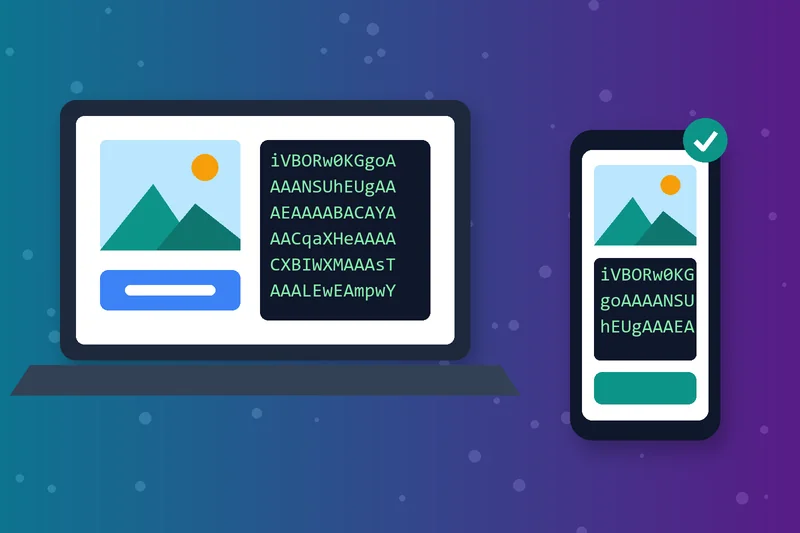
Convert Image to Base64 Online, No Code
No command line and no scripts needed to Base64 encode an image. The tool works in any browser on desktop or phone. Upload from your device or paste an image URL.
How to Convert an Image to Base64
Upload your image
Click Convert
Copy the string
Paste it into your code
Image to Base64 FAQs
How do I convert an image to Base64?
How do I use a Base64 image in HTML?
How do I use a Base64 image in CSS?
Does Base64 make images bigger?
Does encoding an image as Base64 reduce quality?
How do I encode an image to Base64 in JavaScript?
Can I turn Base64 back into an image?
Is the image to Base64 converter free?
Encoded? Make sure it decodes.
Paste the string into Base64 to Image to check it, or shrink the picture first with the Image Resizer.
Base64 to Image
Raheel Jakhura
CEO / Co-Founder
Our goal is to provide online free tools so you don't have to install any software for basic usages. We are trying to add more tools and make these tools free forever.
