
 English
 العربية
 Deutsch
 español
 français
 italiano
 português
 русский
 Türkçe
 Tiếng Việt
Image Enlarger: Upscale Images Online Free
Upload a picture and this image enlarger makes it up to 500% bigger in seconds. Set the final size, check the preview and download. Free, no signup, nothing to install.
Free Image Upscaler for Small Pictures
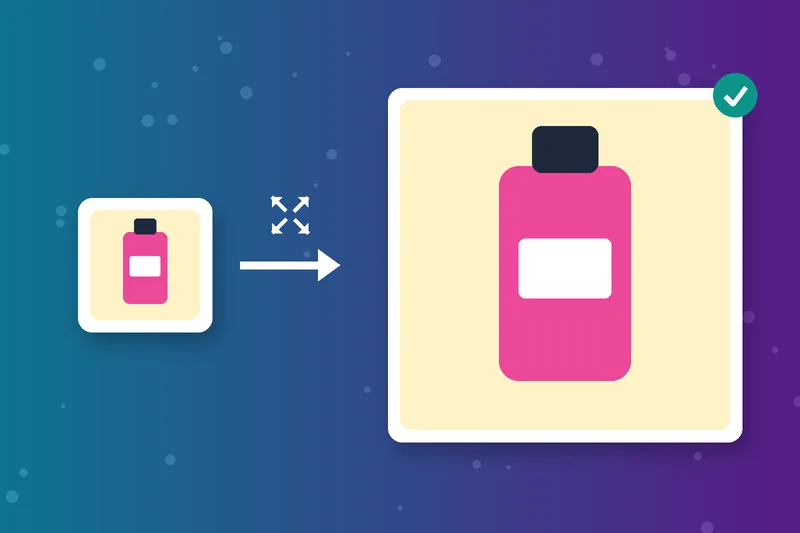
Small product shots, logos and old photos look tiny on modern screens. This free image upscaler adds pixels so the picture fills more space.
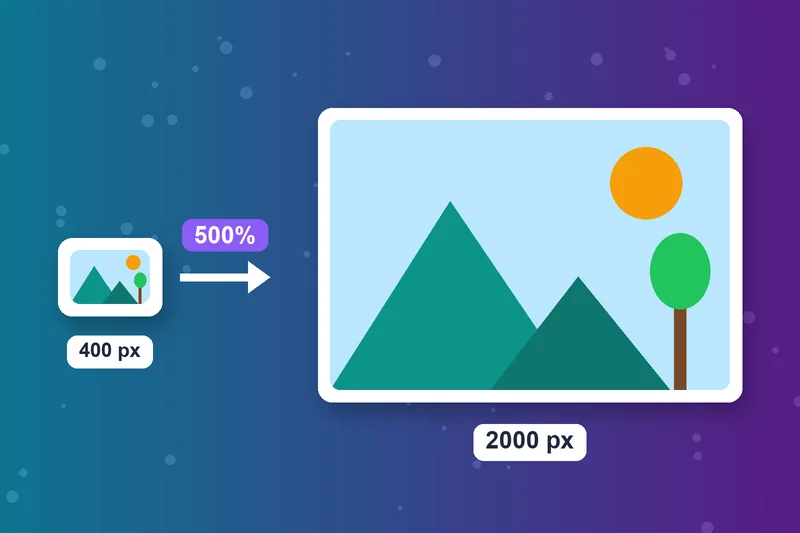
Image Upscale Up to 500%
Enter the final size you want, up to five times the original. A 400 px wide image can become 2000 px wide in one step.
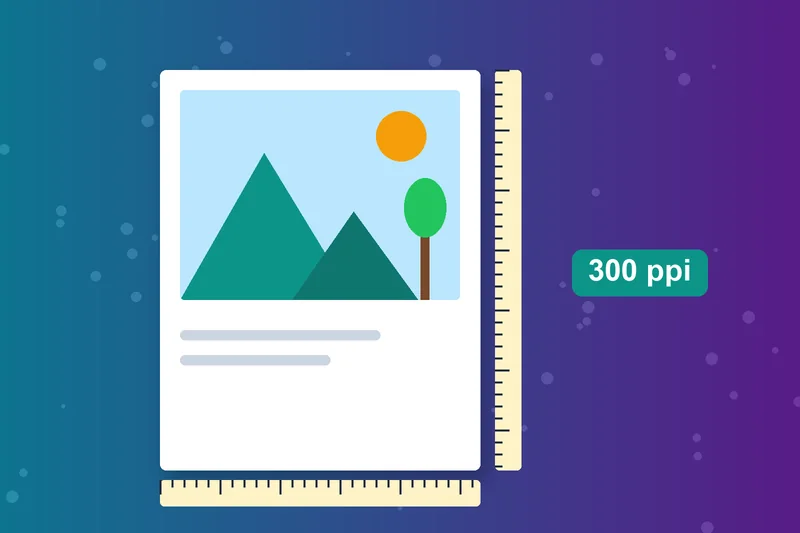
Increase Image Resolution for Web and Print
Enlarging increases the resolution of an image by adding pixels. For print, aim for about 300 pixels per inch of paper, and check the result with the Image DPI Checker.
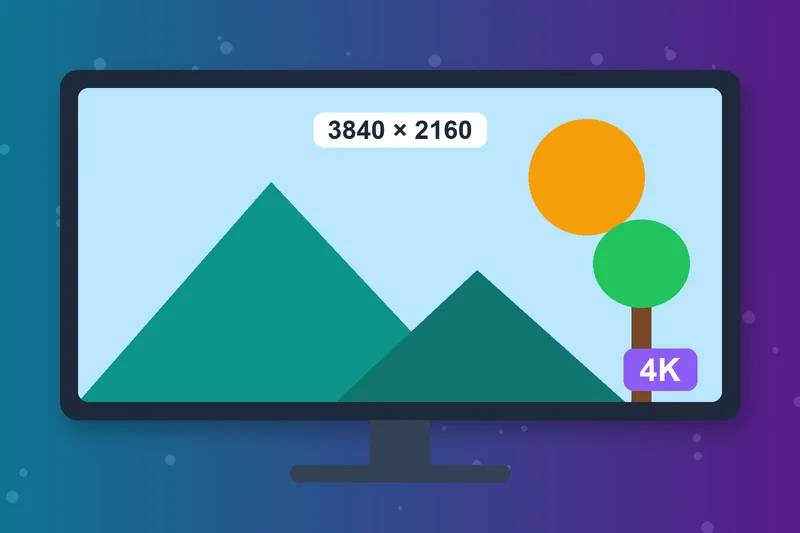
Upscale Image to 4K
A 4K image is 3840 x 2160 pixels. With the 500% limit, start from at least 768 x 432 pixels and enter 3840 x 2160 as the final size, so it works as a simple 4K image upscaler.
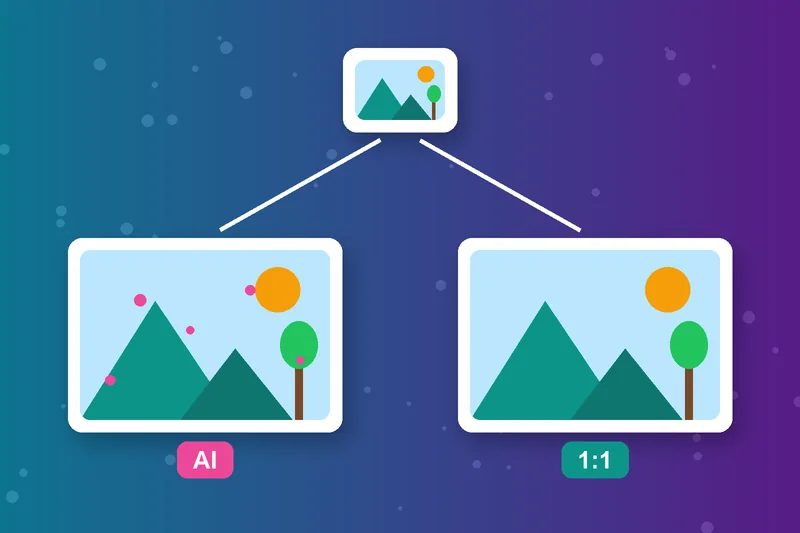
AI Image Upscaler vs Image Enlarger
An AI image upscaler predicts new detail, which can rescue tiny or blurry photos but may invent textures. A standard enlarger scales the pixels you already have, so the result stays true to the original.
Enlarge Photos Without Software
Enlarge image online from your desktop or phone browser. This photo enlarger needs no download. Upload from your device or paste an image URL, up to 5 MB.
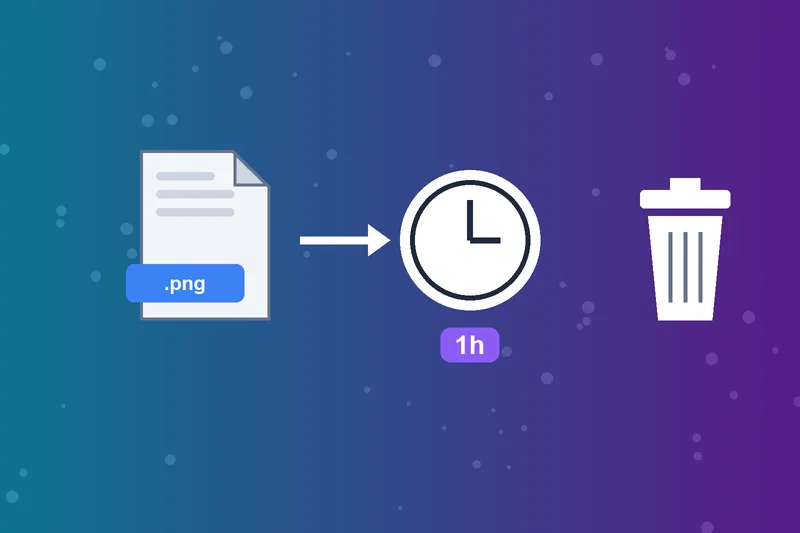
Image Upscaler Free, Files Stay Private
Uploads are processed in the cloud and deleted automatically after one hour. No account is needed to upscale an image online.
How to Upscale an Image
Upload your image
Set the final size
Click Enlarge Image
Download Image
Image Enlarger FAQs
How do I upscale an image?
How do I increase the resolution of an image?
Will enlarging make my image blurry?
Can I enlarge an image without losing quality?
What size is a 4K image?
What's the difference between resizing and enlarging?
Which formats can I enlarge?
Is the image upscaler free?
Bigger now? Frame it right.
Trim it with the Image Cropper or check print quality with the Image DPI Checker.
Image Cropper
Raheel Jakhura
CEO / Co-Founder
Our goal is to provide online free tools so you don't have to install any software for basic usages. We are trying to add more tools and make these tools free forever.
