
 English
 العربية
 Deutsch
 español
 français
 italiano
 português
 русский
 Türkçe
 Tiếng Việt
PNG to JPG: Convert PNG to JPEG Online
Convert PNG to JPG in one click and get a smaller file in seconds. Great for photos, big screenshots and forms that only accept JPG. Free, no signup, no watermark.
PNG to JPG Converter in One Click
Upload the PNG, click Convert and save the JPG. No settings, no editor, no waiting.
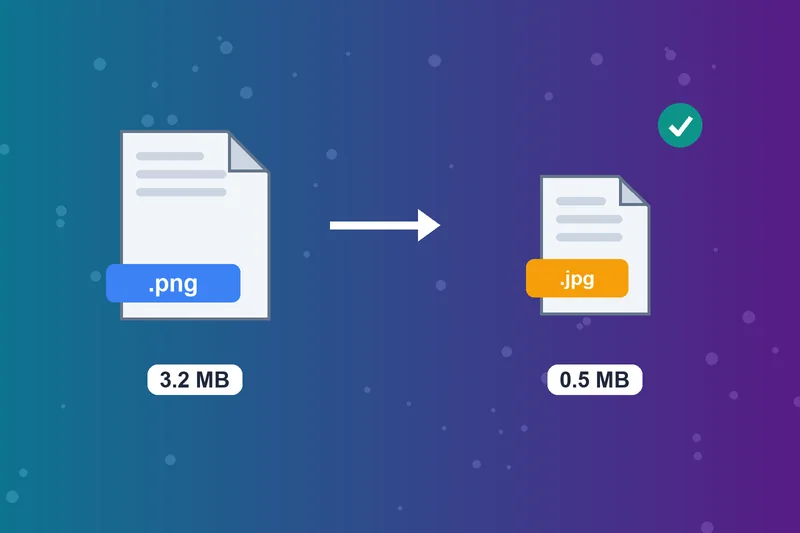
Change PNG to JPG for Smaller Files
PNG photos and screenshots can run to several megabytes. Change PNG to JPG and the same photo usually takes a fraction of the space, so it uploads and loads faster.
Convert PNG to JPEG for Forms
Job portals, government forms and print shops often accept only JPG or JPEG. Turn PNG to JPEG here and the file is ready to submit.
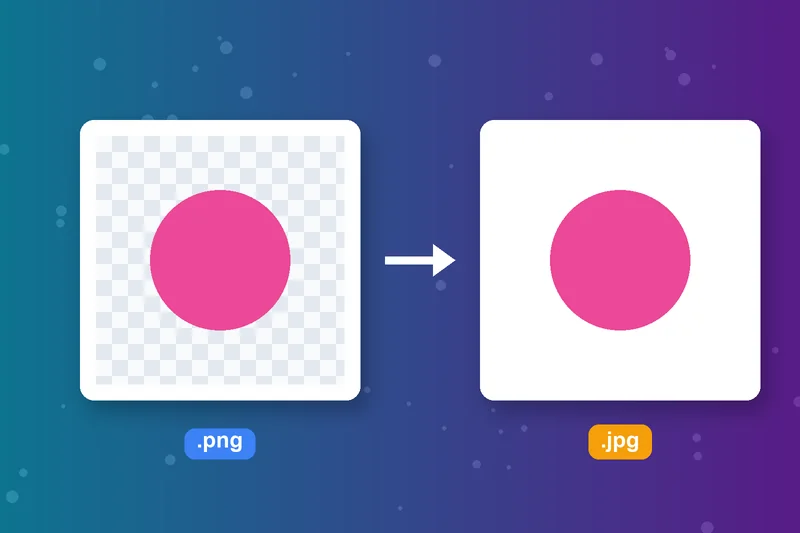
What Happens to Transparent Areas
JPG can't store transparency, so transparent parts of the PNG are filled with white. Keep the PNG for logos that sit on colored backgrounds.
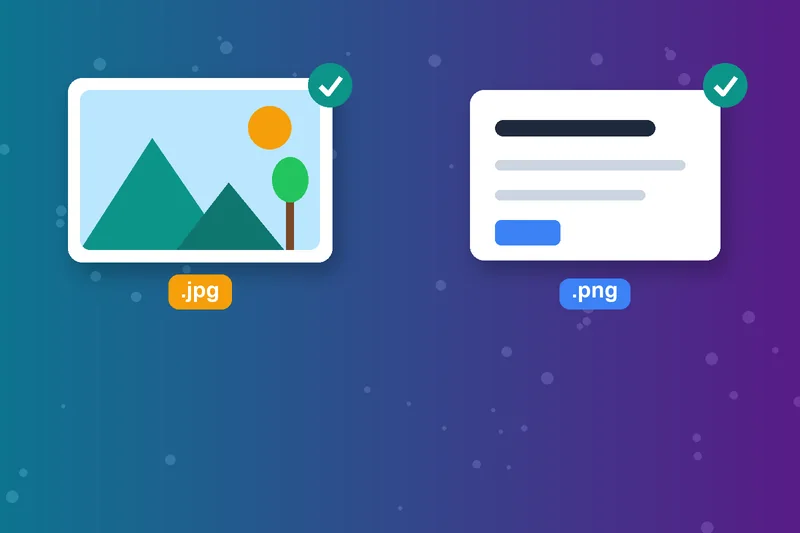
When to Convert PNG to JPG
JPG suits photos and colorful images where a small file matters. Screenshots with small text and flat logos stay crisper as PNG.
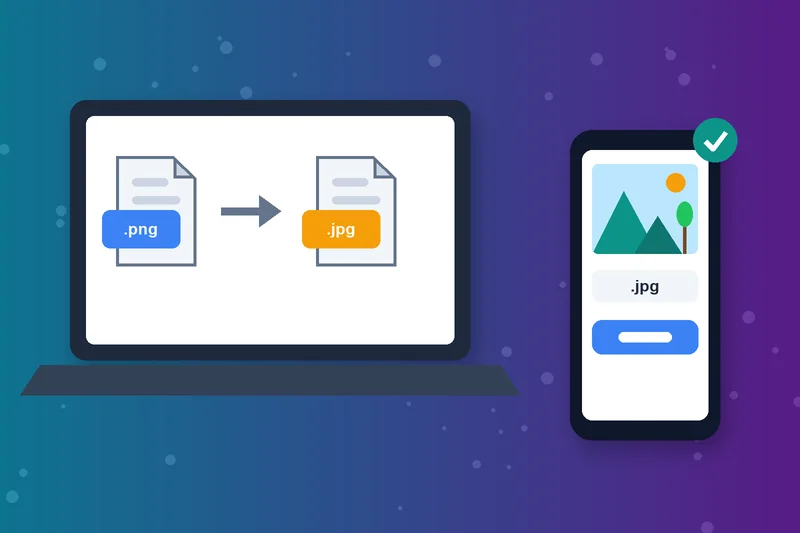
PNG to JPEG Converter Online on Any Device
Works in any browser on Windows, Mac, Android and iPhone. Convert a PNG file to JPG in seconds by uploading it (up to 5 MB) or pasting its URL.
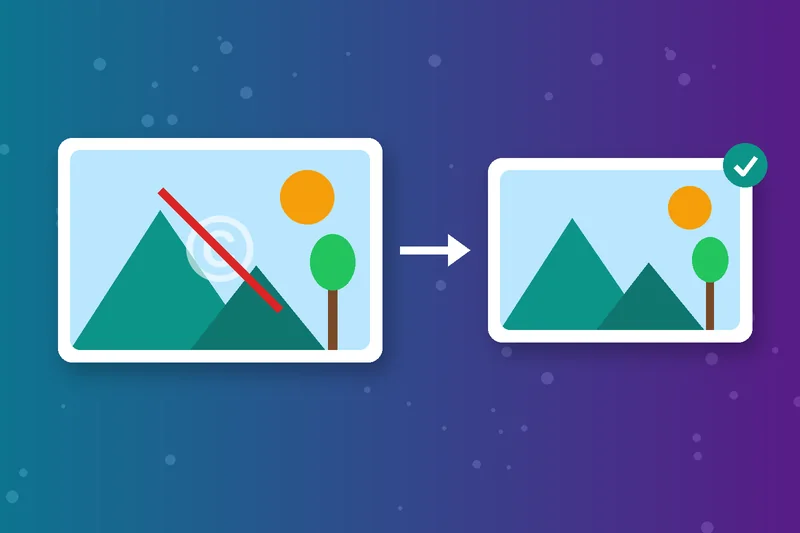
Free PNG to JPG Converter, No Watermark
No account, no watermark and no software. Uploaded files are deleted automatically after one hour.
How to Convert PNG to JPG
Upload your PNG
Click Convert
Check the preview
Download Image
PNG to JPG FAQs
How do I convert PNG to JPG?
PNG vs JPG: which should I use?
Does converting PNG to JPG reduce quality?
How do I change PNG to JPG on Windows?
How do I convert a PNG to JPG on Mac?
Why did my transparent background turn white?
How much smaller will my JPG be?
Is the PNG to JPG converter free?
JPG ready? Fit it anywhere.
Resize it with the Image Resizer or convert more files with WebP to JPG.
Image Resizer
Raheel Jakhura
CEO / Co-Founder
Our goal is to provide online free tools so you don't have to install any software for basic usages. We are trying to add more tools and make these tools free forever.
