
 English
 العربية
 Deutsch
 español
 français
 italiano
 português
 русский
 Türkçe
 Tiếng Việt
ICO Converter: Convert PNG to ICO Online
Upload an image and this ICO converter turns it into an icon file in seconds. Choose any size from 16x16 to 256x256, or all sizes at once. Free, no signup, no watermark.
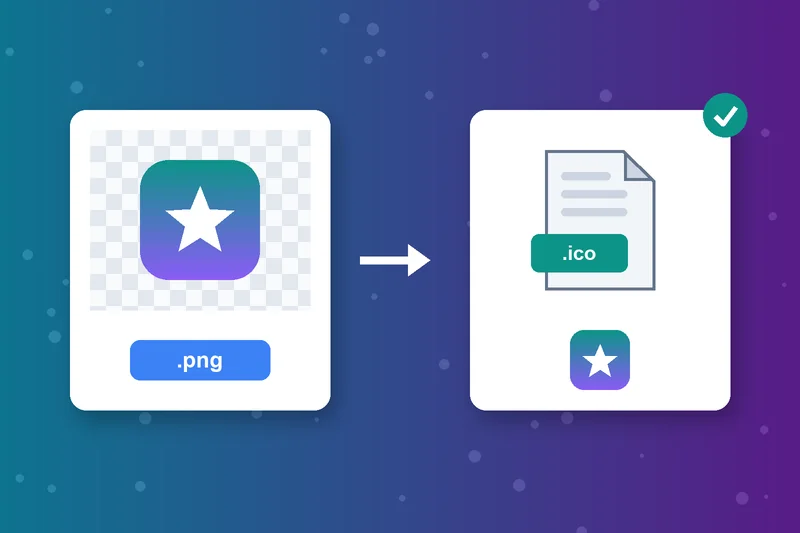
Convert PNG to ICO in Seconds
PNG is the most common starting point for an icon. Converting a PNG file to ICO takes three clicks: upload, pick a size, convert. You get a real .ico file, ready for a website or app folder.
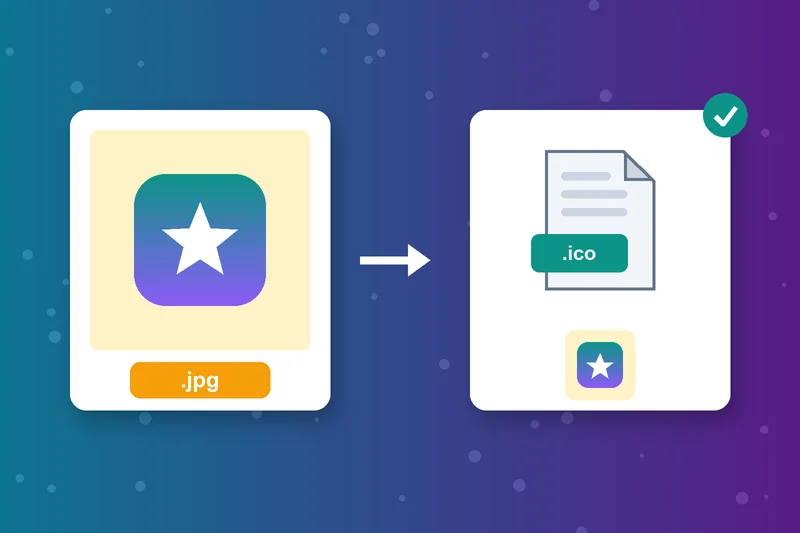
JPG to ICO Without Extra Software
Got a logo saved as a JPG or JPEG? Convert JPG to ICO the same way, with no Photoshop or desktop app. Square images work best, so trim wide pictures first with the Image Cropper.
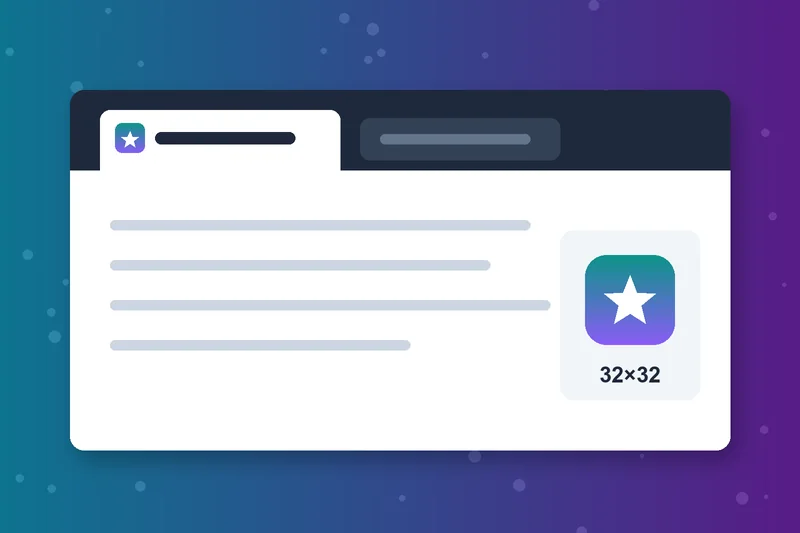
Turn Any Image Into a Favicon
Browsers show a favicon.ico next to your site name in tabs and bookmarks. Pick 16x16, 32x32 or 48x48, or choose All sizes to cover every option in one go. It works as a quick PNG to favicon converter.
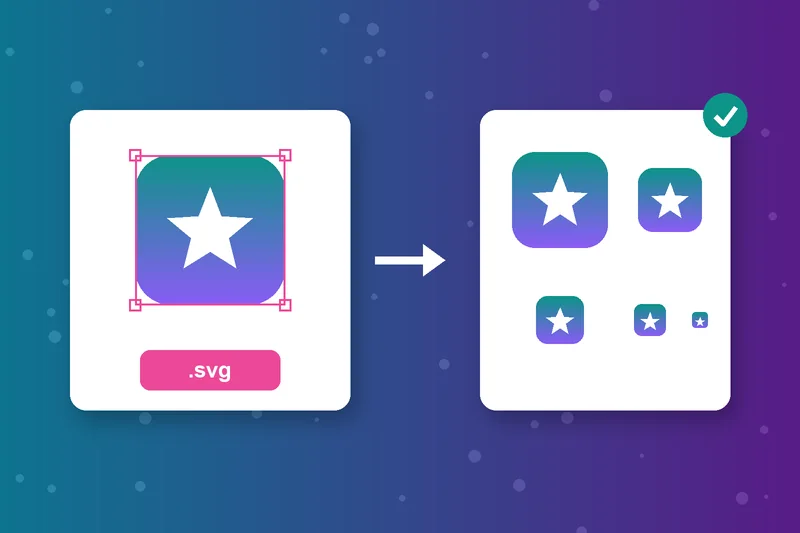
Convert SVG to ICO for Crisp Logos
Vector logos make great icons. Upload an SVG and the icon converter renders it at the exact size you pick, so even a 16 px favicon keeps clean edges.
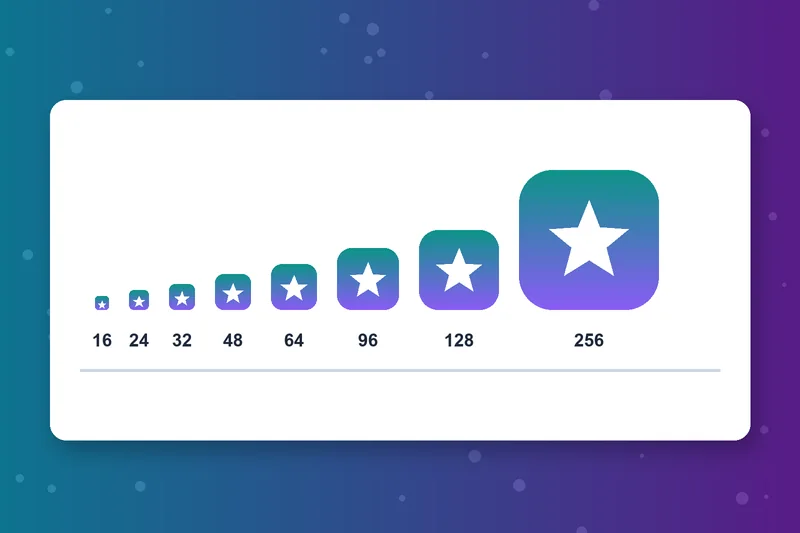
Pick the Right ICO Size
Choose 16, 24, 32, 48, 64, 96, 128, 192 or 256 pixels square. Use 16 to 48 for favicons and 256x256 for Windows desktop and app icons. Not sure? Pick All sizes.
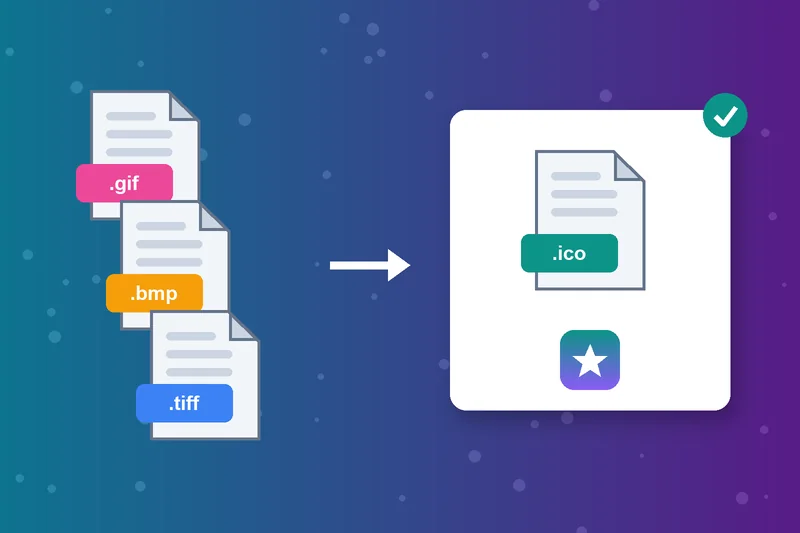
Convert to ICO From GIF, BMP or TIFF
This ICO image converter also accepts GIF, BMP and TIFF files, so you can convert an image to ICO from almost any source. Upload from your device or paste an image URL, up to 5 MB per file.

Online ICO Converter, Nothing to Install
It works in your browser on Windows, Mac, Linux, Android and iPhone. No account to create and no watermark on your icons.
How to Convert PNG to ICO
Upload your image
Choose a size
Click Convert
Download your icon
ICO Converter FAQs
How do I convert PNG to ICO?
Can I convert JPG to ICO?
What size should a favicon be?
How do I add an ICO file to my website?
Can I convert SVG to ICO?
What is an ICO file?
Can I convert ICO back to PNG?
Is the ICO converter free?
Icon done? Tidy the rest of your images.
Shrink big pictures with the Image Resizer or switch formats with the Image Converter.
Image Resizer
Raheel Jakhura
CEO / Co-Founder
Our goal is to provide online free tools so you don't have to install any software for basic usages. We are trying to add more tools and make these tools free forever.
