
 English
 العربية
 Deutsch
 español
 français
 italiano
 português
 русский
 Türkçe
 Tiếng Việt
Image Cropper: Crop Images Online Free
This image cropper lets you upload a photo, drag the crop box and keep only the part you want. Pick a preset ratio or crop freeform. Free, no signup, works on any device.
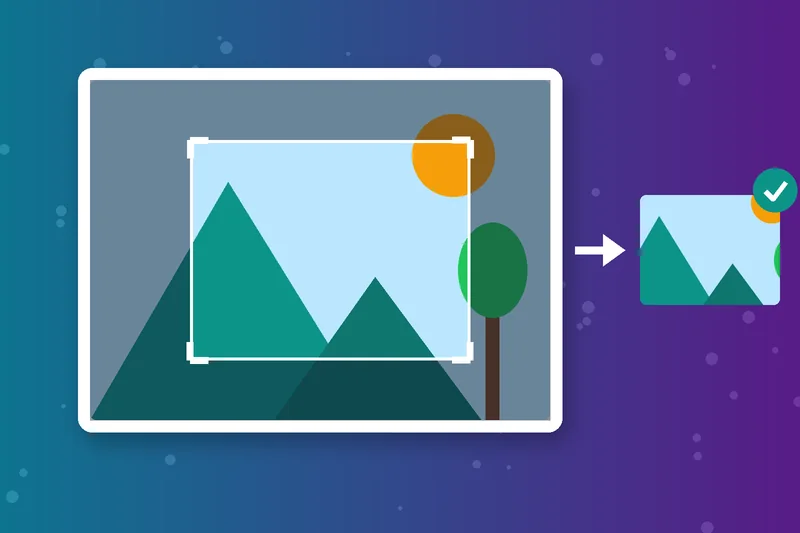
Crop Image Online in Seconds
Drag the corners to frame your subject, then crop the image and download. No layers, no menus and nothing to learn.
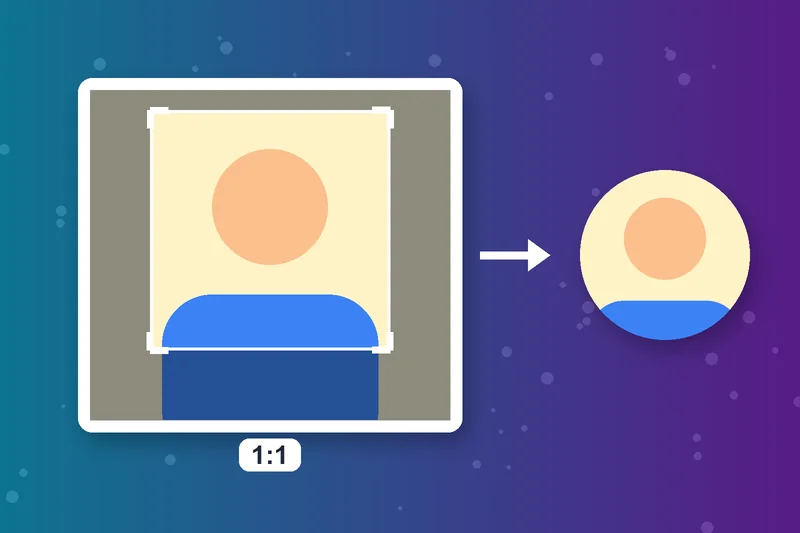
Crop a Photo to 1:1 for Profiles
The 1:1 preset gives a perfect square for profile pictures, avatars and square posts. Line up the face and crop the photo in one click.
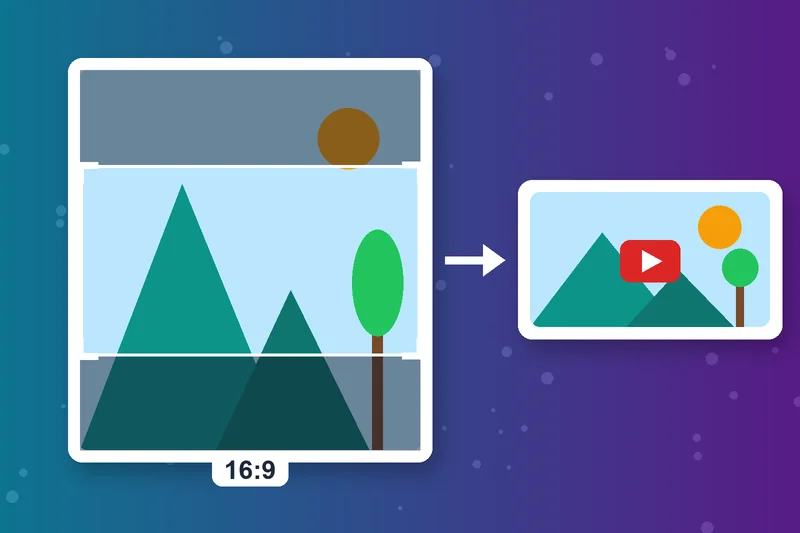
Image Crop at 16:9 for YouTube and Slides
Choose 16:9 for YouTube thumbnails, video covers and presentation slides. It matches widescreen displays, so nothing gets cut off later.
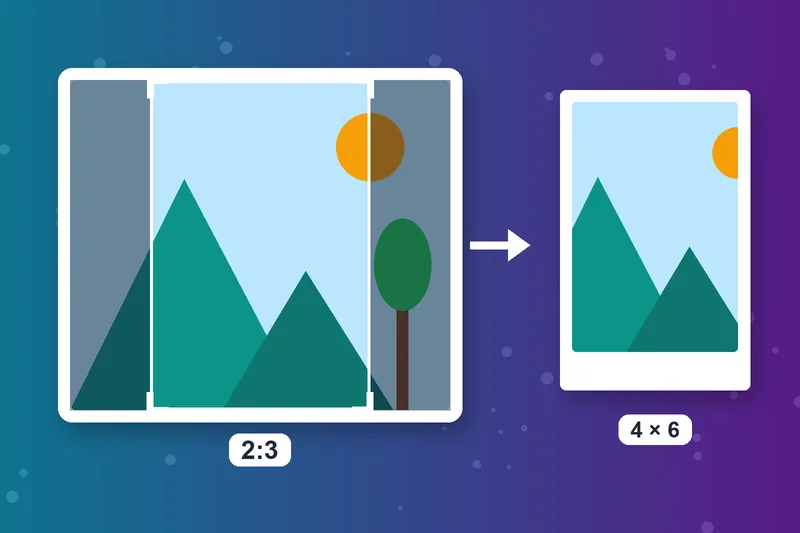
4:3 and 2:3 for Prints and Pins
Use 4:3 for classic photo and tablet shapes, and 2:3 for portrait prints like 4x6 inches or Pinterest pins.
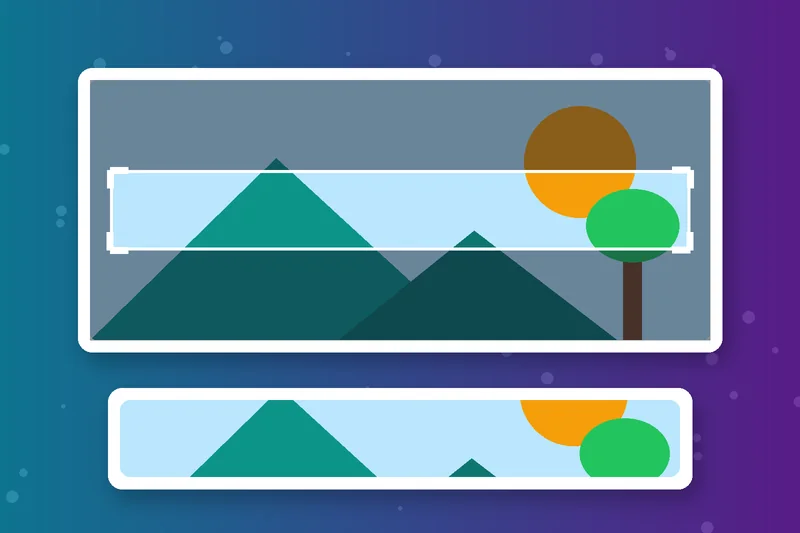
Crop an Image to Any Shape With Freeform
Need a custom size? Switch to Freeform and crop a picture to any rectangle, from a thin banner to a tight close-up.
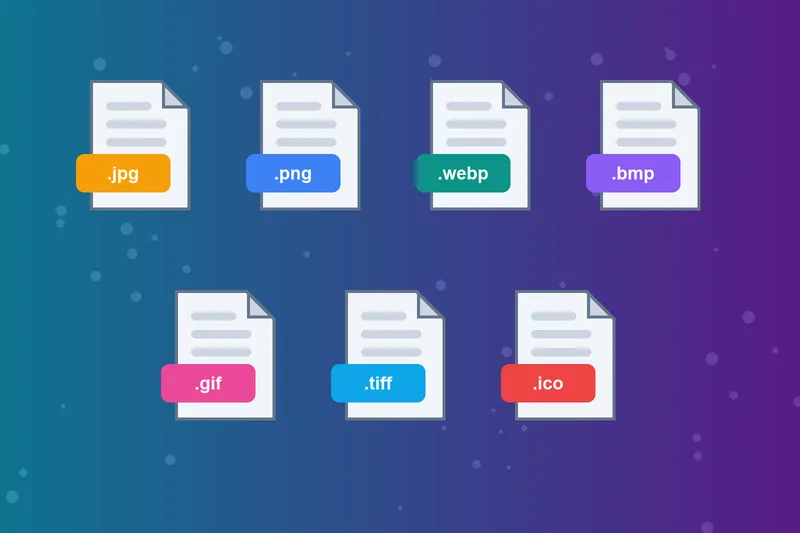
Image Cropper Online for JPG, PNG and WebP
Crop JPG, JPEG, PNG, WebP, BMP, GIF, TIFF and ICO files up to 5 MB. Upload from your device or paste an image URL.
Online Photo Cropper That Keeps Files Private
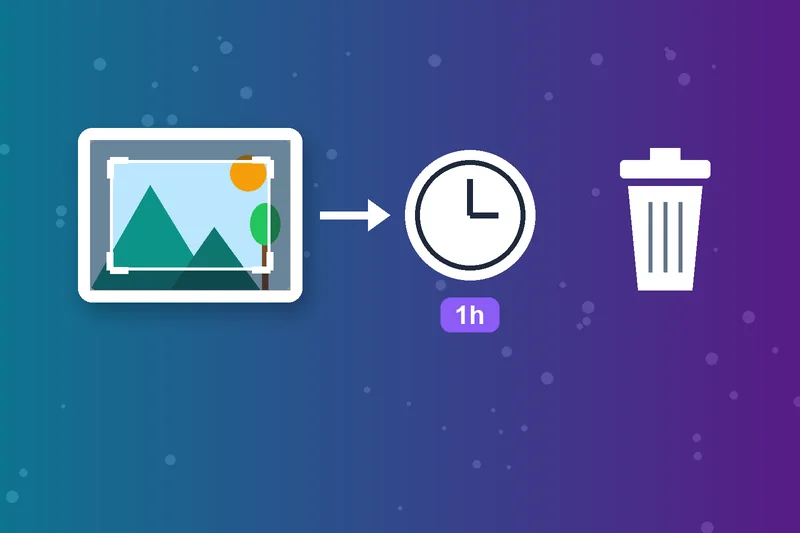
There's nothing to install and no account to create. Uploaded photos are deleted automatically after one hour.
How to Crop an Image
Upload your image
Choose a ratio
Adjust and crop
Download Image
Image Cropper FAQs
How do I crop a picture?
How do I crop a photo on iPhone?
How do I crop an image in Windows?
Which aspect ratio should I use?
Can I crop to exact pixel dimensions?
Does cropping reduce image quality?
What's the difference between cropping and resizing?
Is the image cropper free?
Cropped? Size it right.
Set exact dimensions with the Image Resizer or switch formats with the Image Converter.
Image Resizer
Raheel Jakhura
CEO / Co-Founder
Our goal is to provide online free tools so you don't have to install any software for basic usages. We are trying to add more tools and make these tools free forever.
