
 English
 العربية
 Deutsch
 español
 français
 italiano
 português
 русский
 Türkçe
 Tiếng Việt
EXIF Metadata Remover: Remove Metadata from Photos Online
Upload a photo, strip its hidden EXIF data and download a clean copy that’s safer to share. Removes GPS location, camera details and timestamps. Free, no signup.
Remove Hidden Metadata Before You Share
Photos from phones and cameras carry hidden EXIF data: where they were taken, when, and on which device. This metadata remover strips it out, so the photo you share shows only the photo.
Read more
Strip GPS Location from Photos
Phones can save exact GPS coordinates inside each photo. Remove EXIF data before you post on forums, marketplaces or blogs, or send files by email, so you don’t reveal your home, office or school.
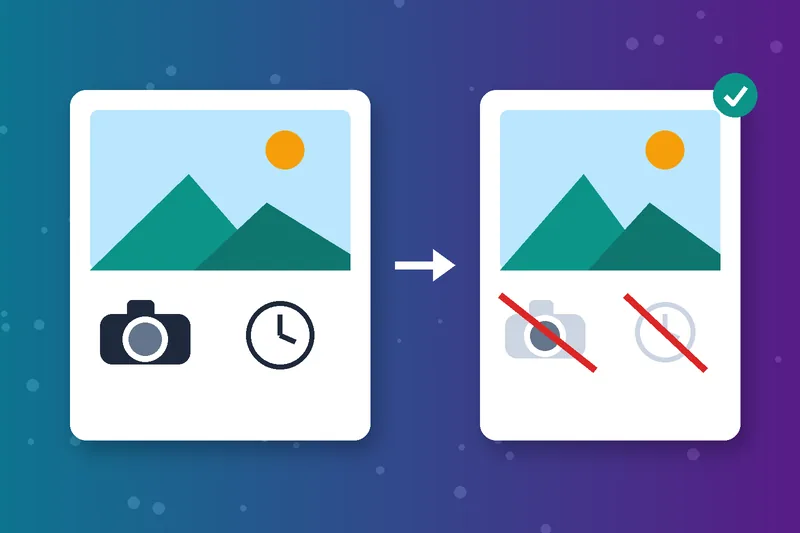
Delete Camera Details and Timestamps
EXIF also records the camera make and model and the date and time a photo was captured. Clear that metadata when you sell items online, send photos to strangers or publish images on your website.

Works in Your Browser, Nothing to Install
Upload your photo, strip the metadata and download the clean file in seconds. Everything happens on this page, with no app or plugin to install.
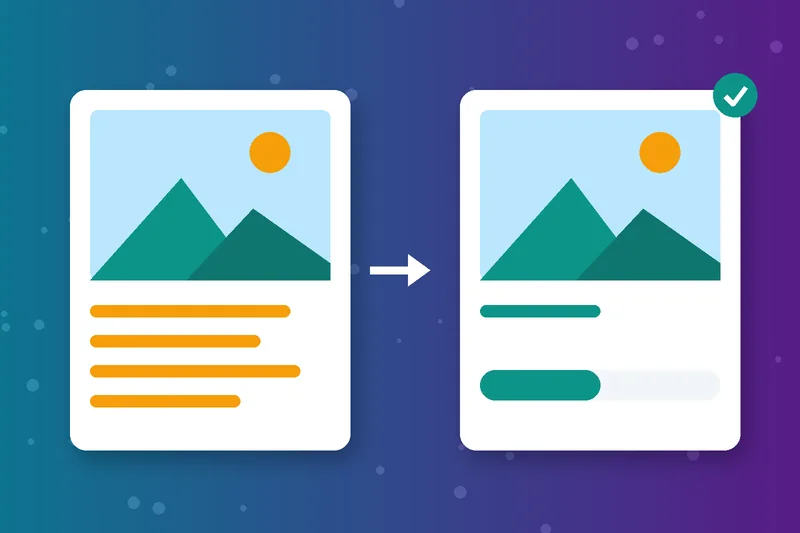
Leaner Images for Websites and SEO
Metadata adds bytes that visitors never see. Strip EXIF data from product photos and blog images before upload to keep files lighter and free of personal details.

Remove Metadata from Photos on Any Device
Windows, Mac, iPhone and Android each handle metadata differently. This EXIF remover works the same in any browser, so you can remove metadata from photos on a laptop or a phone without extra apps.
How to Remove EXIF Metadata from a Photo
Upload your image
Click Remove EXIF Data
Download the clean image
Clear and repeat
EXIF Metadata Remover FAQs
Everything about removing metadata from photos.
What is EXIF data?
Why should I remove metadata from photos?
Does removing EXIF data change how my photo looks?
How do I remove metadata from photos on Windows?
How do I remove location from photos on iPhone?
Do social media sites remove EXIF data?
Can I remove metadata from PDF or Word files?
Is the EXIF metadata remover free?
Photo Clean? Get It Ready to Post.
Change the format with the JPG Converter, or check its print size with the Image DPI Checker.
JPG Converter
Raheel Jakhura
CEO / Co-Founder
Our goal is to provide online free tools so you don't have to install any software for basic usages. We are trying to add more tools and make these tools free forever.
