
 English
 العربية
 Deutsch
 español
 français
 italiano
 português
 русский
 Türkçe
 Tiếng Việt
JPG Converter: Convert JPG to WebP, PNG, GIF and BMP
Upload a photo, choose a new format and this JPG converter turns it into WebP, PNG, GIF or BMP in seconds. JPEG files work too. Free, no signup, no watermark.
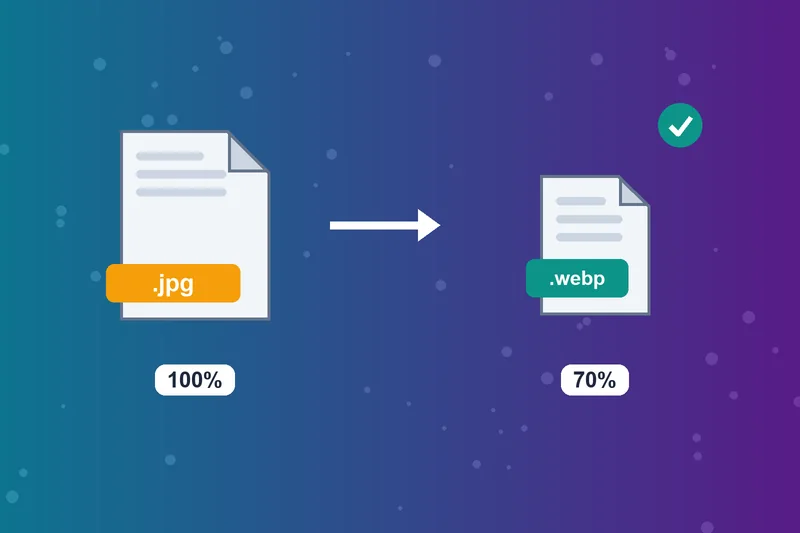
Convert JPG to WebP for Faster Websites
Lossy WebP images are 25 to 34% smaller than comparable JPGs, according to Google. Convert JPG or JPEG to WebP to cut page weight and help Core Web Vitals.
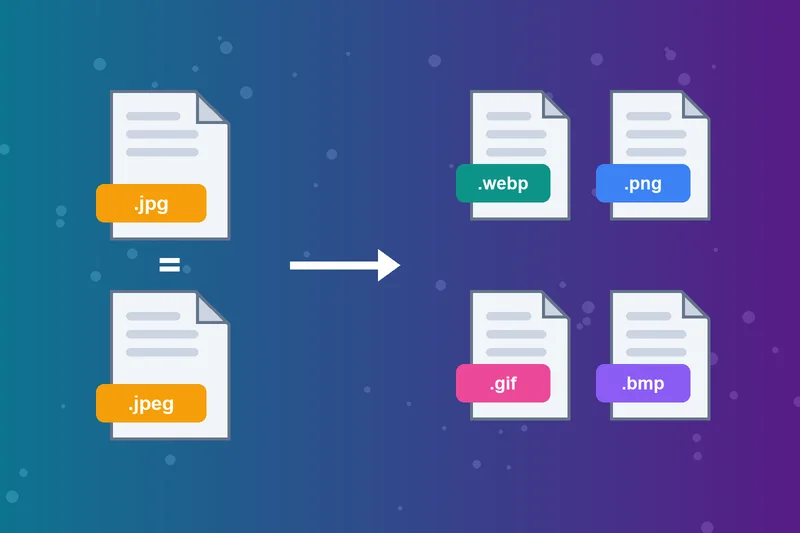
JPEG Converter for Every JPG File
JPG and JPEG are the same format with different extensions. This JPEG converter handles both, so there's no need to rename a file first.
Convert JPG Images for Editing
Pick PNG to get a lossless copy that won't lose more detail with each save. For a one-step PNG, use the JPG to PNG Converter.
JPG to GIF for Simple Graphics
Convert JPG to GIF for older platforms, forums and simple graphics. GIF holds only 256 colors, so detailed photos may look grainy.
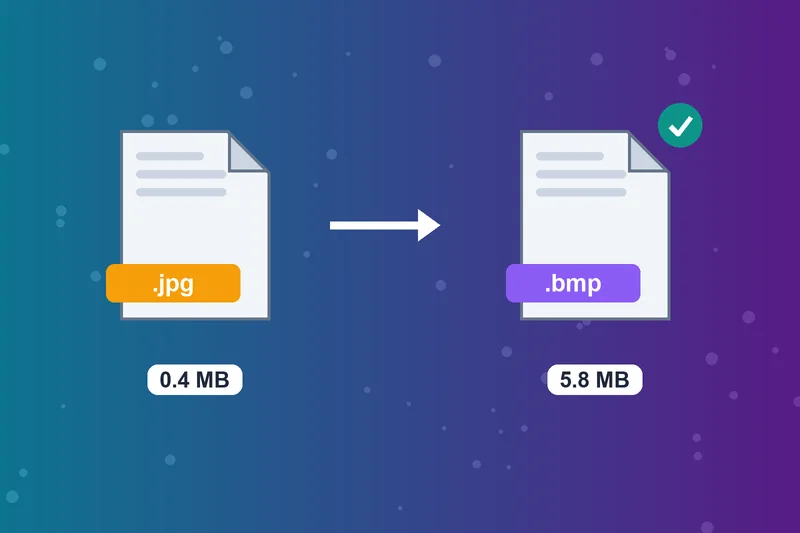
JPG to BMP for Older Software
Some older Windows programs, printers and embedded displays need BMP. Convert JPG to BMP when software asks for an uncompressed bitmap, and expect a much larger file.
Online JPG Image Converter, No Install
This JPG image converter works in any browser on desktop or phone. Upload a JPG file up to 5 MB or paste its URL.
Free JPG Converter, No Watermark
Convert JPG images free, with no account and no watermark on the result.
How to Convert a JPG
Upload your JPG
Select new format
Click Convert
Download Image
JPG Converter FAQs
How do I convert a JPG to another format?
Should I convert JPG to WebP?
Which format should I convert my JPG to?
What's the difference between JPG and JPEG?
Does converting a JPG improve its quality?
Why is my BMP file so large?
Can I convert other formats to JPG here?
Is the JPG converter free?
Converted? Size it next.
Fit it to any dimension with the Image Resizer or make it bigger with the Image Enlarger.
Image Resizer
Raheel Jakhura
CEO / Co-Founder
Our goal is to provide online free tools so you don't have to install any software for basic usages. We are trying to add more tools and make these tools free forever.
