
 English
 العربية
 Deutsch
 español
 français
 italiano
 português
 русский
 Türkçe
 Tiếng Việt
JPG to PNG: Convert JPEG to PNG Online
Upload a photo and convert JPG to PNG in seconds. PNG is lossless, so no extra quality is lost. Free, no signup, works on PC, Mac, iPhone and Android.
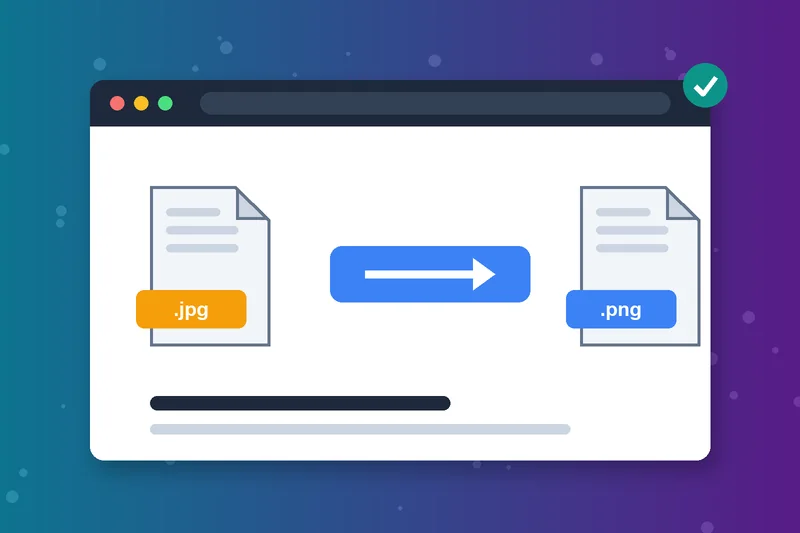
JPG to PNG Converter in One Click
Upload your photo, click Convert and download the PNG. There are no settings to figure out, so it takes seconds.
Convert JPEG to PNG Too
JPG and JPEG are the same format with different file extensions, so this works as a JPEG to PNG converter too. Upload either one and get a standard PNG back.
Stop Quality Loss From Repeat Saves
Each time a JPG is edited and saved, it loses a little detail. Change JPG to PNG before editing, and later saves won't add more compression.
Convert JPG to PNG Format for Apps and Uploads
Some design tools, upload forms and app or game assets require PNG. Turn the JPG file to PNG here instead of re-exporting from an editor.
Need a Transparent PNG?
Converting keeps the JPG's background, because JPG has no transparency to carry over. Remove the background in an editor first, then save as PNG for a transparent image.
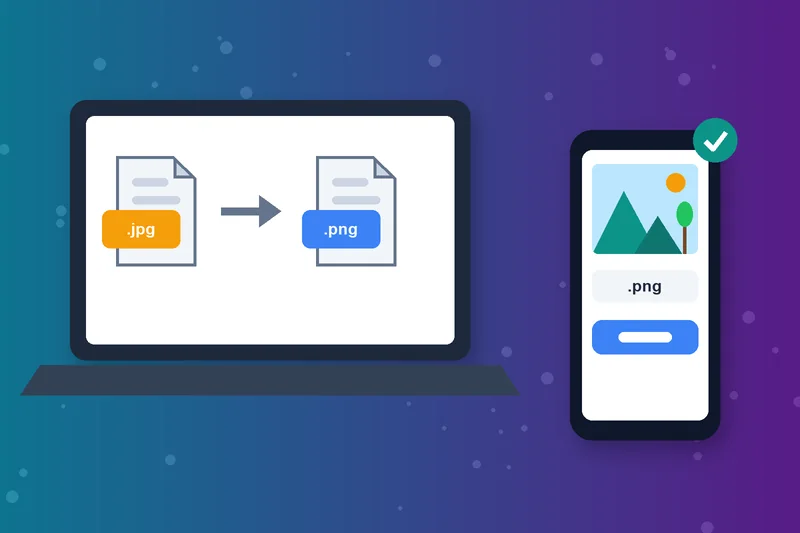
JPG to PNG Converter Online on Any Device
Works in the browser on Windows, Mac, iPhone, iPad and Android. Upload a JPG from your device or paste its URL, up to 5 MB.
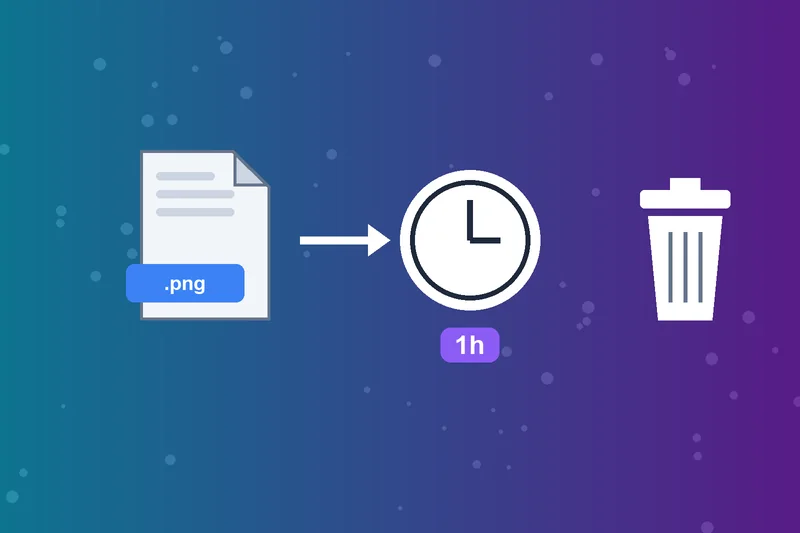
Convert JPG to PNG Free and Privately
No account is needed, and there's no watermark on your PNG. Uploaded files are deleted automatically after one hour.
How to Convert JPG to PNG
Upload your JPG
Click Convert
Check the preview
Download Image
JPG to PNG FAQs
How do I convert JPG to PNG?
JPG vs PNG: what's the difference?
Does converting JPG to PNG improve quality?
Can converting JPG to PNG make the background transparent?
How do I change JPG to PNG on Windows?
How do I turn a JPEG into a PNG on Mac?
Why is my PNG bigger than the JPG?
Is the JPG to PNG converter free?
PNG ready? Keep going.
Turn it into an icon with the ICO Converter or switch back with PNG to JPG.
ICO Converter
Raheel Jakhura
CEO / Co-Founder
Our goal is to provide online free tools so you don't have to install any software for basic usages. We are trying to add more tools and make these tools free forever.
