
 English
 العربية
 Deutsch
 español
 français
 italiano
 português
 русский
 Türkçe
 Tiếng Việt
WebP to JPG: Convert WebP to JPEG Online
Convert WebP to JPG in one click and get an image that opens in any app. It takes a few seconds, with no software. Free, no signup, works on any device.
WebP to JPG Converter for Any App
Some photo viewers, editors and upload forms still won't take WebP. Convert the WebP to JPG and the image works in Word, email, print shops and older software.
Convert WebP to JPEG for Forms
Many job, visa and marketplace forms accept only JPG or JPEG. Change WebP to JPG here and upload it without errors.
Save WebP as JPG From Any Website
Sites serve WebP because it loads faster, so Save image as often gives you a .webp file. Save it, drop it here and download a JPG.
WebP File to JPG Without Software
No editor plugin or desktop converter needed. Upload the WebP file from your device or paste the image URL, up to 5 MB.
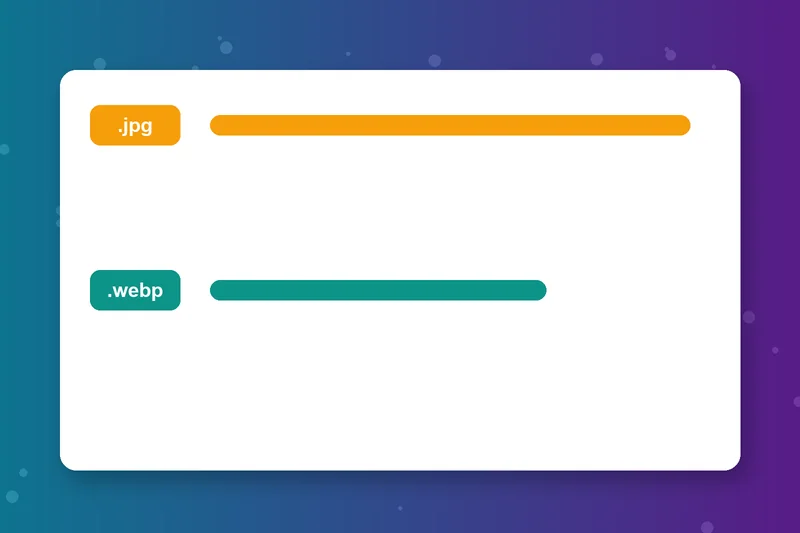
WebP vs JPG at a Glance
Lossy WebP is 25 to 34% smaller than a comparable JPG, according to Google, and it supports transparency and animation. JPG files are bigger but open almost everywhere.
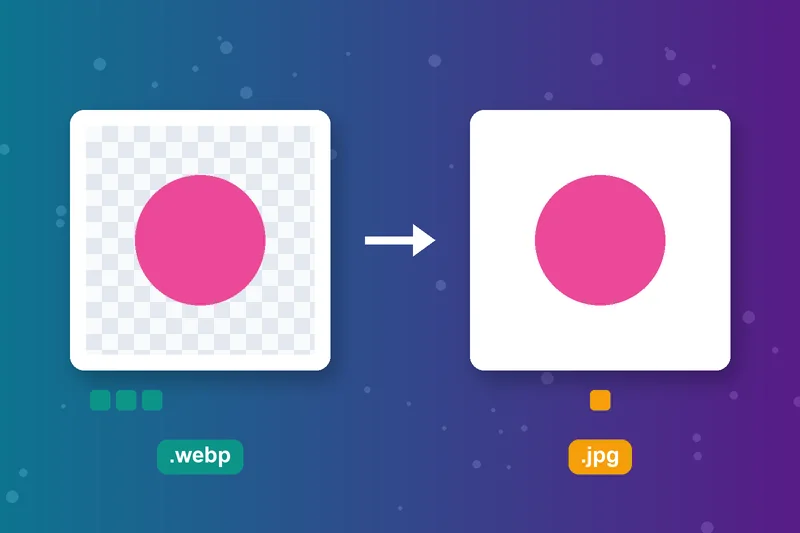
Transparency and Animation in JPG
JPG has no transparency or animation. When you convert from WebP to JPG, transparent areas get a white background and an animated WebP keeps a single frame.
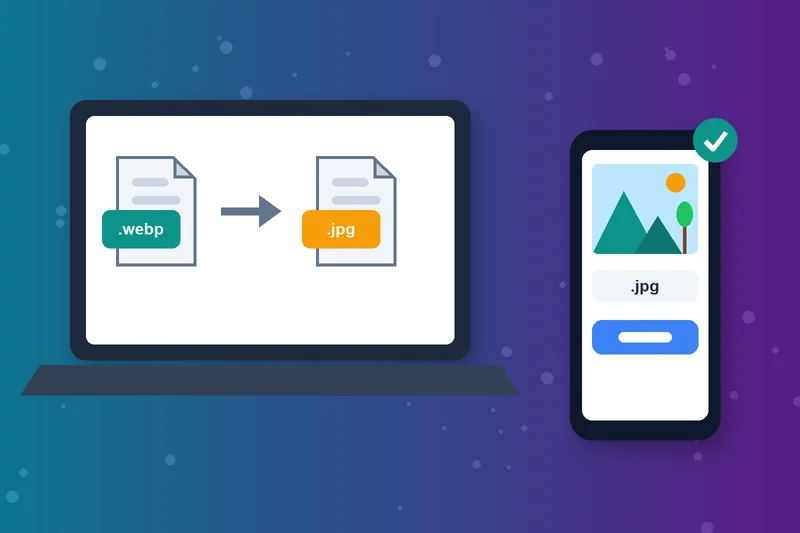
Convert WebP to JPG Free Online
This free WebP to JPEG converter runs in any browser on Windows, Mac, Android and iPhone, with no account needed.
How to Convert WebP to JPG
Upload your WebP
Click Convert
Check the preview
Download Image
WebP to JPG FAQs
How do I convert WebP to JPG?
How do I save a WebP as JPG?
How do I change WebP to JPG on Windows?
How do I convert a WebP to JPG on Mac?
WebP vs JPG: which is better?
Why do images download as WebP?
Does converting WebP to JPG lose quality?
Is the WebP to JPG converter free?
JPG ready? Edit it next.
Trim it with the Image Cropper or resize it with the Image Resizer.
Image Cropper
Raheel Jakhura
CEO / Co-Founder
Our goal is to provide online free tools so you don't have to install any software for basic usages. We are trying to add more tools and make these tools free forever.
