
 English
 العربية
 Deutsch
 español
 français
 italiano
 português
 русский
 Türkçe
 Tiếng Việt
Image Aspect Ratio Calculator: Find and Resize Aspect Ratios
Enter a width and height to get the aspect ratio in one click, or enter one side and a ratio to find the other. Free, no signup.
Calculate Aspect Ratio from Width and Height
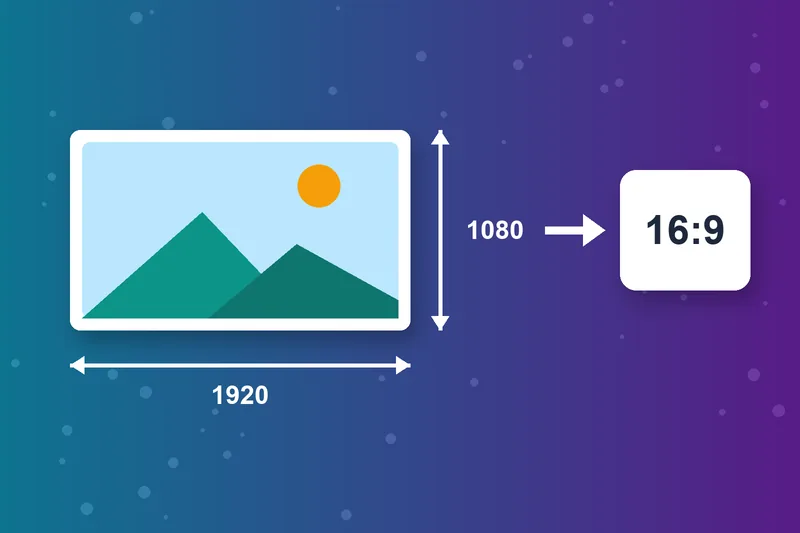
Enter any width and height in pixels and the calculator reduces them to the simplest ratio. 1920 × 1080 becomes 16:9, and 1080 × 1350 becomes 4:5. It also shows the closest common ratio when your size is slightly off.
Read more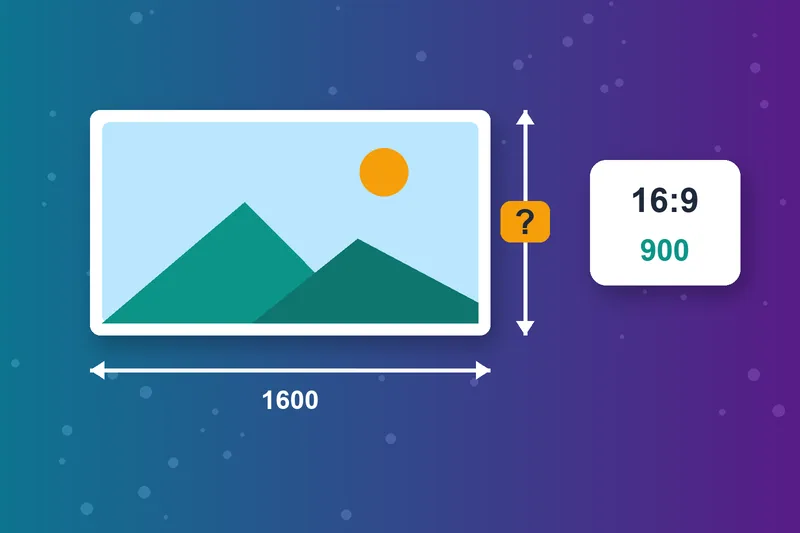
Find the Missing Width or Height
Know the ratio and one side? Enter the known value and the ratio, then choose whether to solve for width or height. Resize images, videos and banners without stretching them.
One-Click Common Aspect Ratios
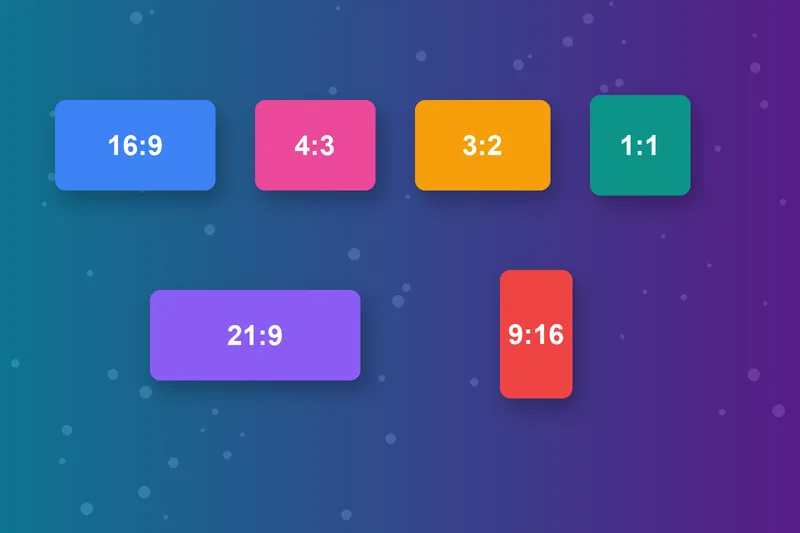
Use the presets for 16:9, 4:3, 3:2, 1:1, 21:9 and 9:16. They cover widescreen video, classic displays, camera photos, square posts, ultrawide monitors and vertical video.
Get Social Media Sizes Right
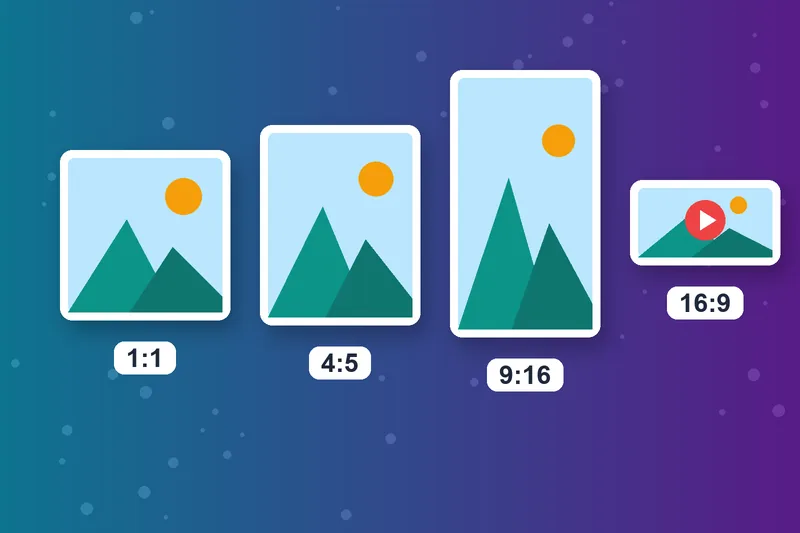
Each platform crops to its own shape. Square 1:1 and portrait 4:5 suit feed posts, 9:16 suits Reels, TikTok and Stories, and 16:9 suits YouTube. Check the aspect ratio before you upload and nothing important gets cut off.
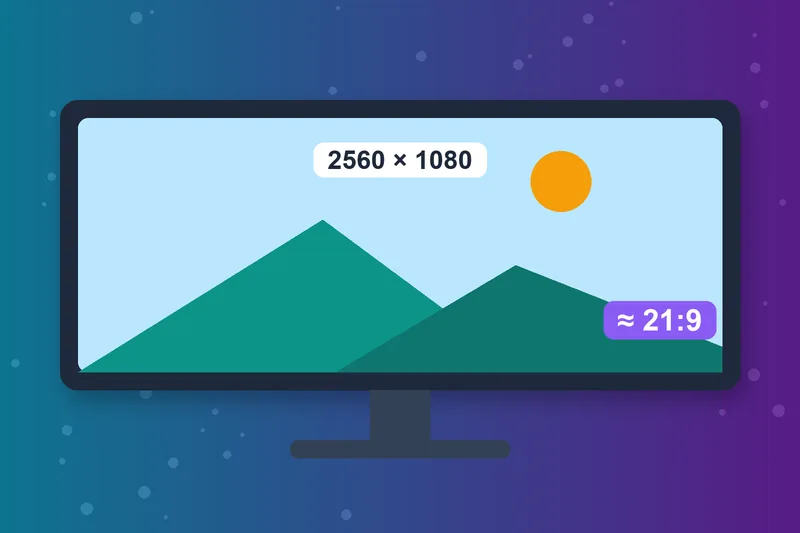
An Aspect Ratio Finder for Screens and Video
Find the ratio of a monitor, TV or video resolution in seconds. Type 2560 × 1080 and the calculator shows it’s closest to 21:9, the ultrawide format.
Aspect Ratio Calculator Online, No Maths Needed
No common-divisor sums or spreadsheet formulas. The calculator runs in your browser on desktop and mobile, so you can check and resize aspect ratios wherever you work.
How to Calculate Aspect Ratio
Enter width and height
Click Calculate
Solve a missing side
Use the result
Aspect Ratio Calculator FAQs
Everything about calculating and using aspect ratios.
What is aspect ratio?
How do I calculate aspect ratio?
How do I find the height from a width and a ratio?
What resolutions are 16:9?
What resolutions are 4:3?
What is the difference between 16:9 and 9:16?
Why does my image look stretched after resizing?
Is the aspect ratio calculator free?
Ratio Sorted? Check Print Quality Too.
See if your image is print-ready with the Image DPI Checker, or change its size with the Image Resizer.
Image DPI Checker
Raheel Jakhura
CEO / Co-Founder
Our goal is to provide online free tools so you don't have to install any software for basic usages. We are trying to add more tools and make these tools free forever.
