
 English
 العربية
 Deutsch
 español
 français
 italiano
 português
 русский
 Türkçe
 Tiếng Việt
Flip Image: Mirror Any Photo Online
Flip image files horizontally or vertically in one click. Mirror selfies, fix reversed text or turn a design upside down. Free, no signup.
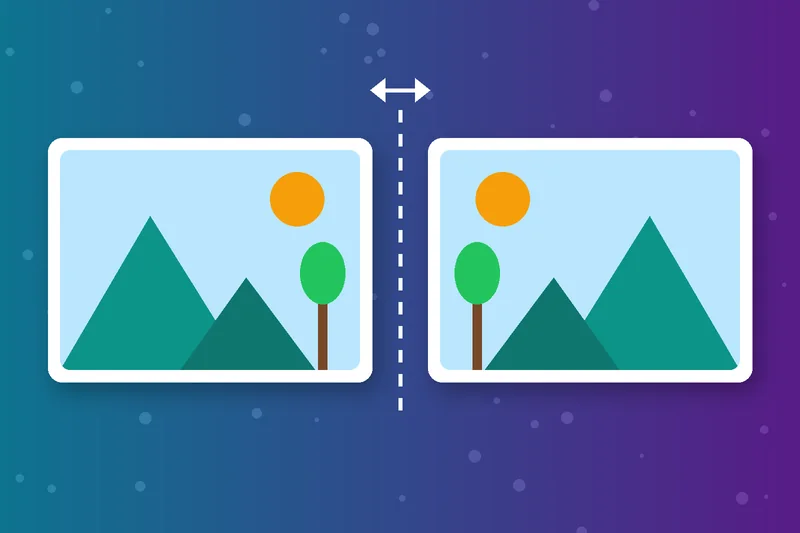
Mirror an Image in One Click
Choose Flip Horizontally to mirror an image, swapping left and right like a reflection. It's the quickest way to make a mirror image online, without opening an editor.
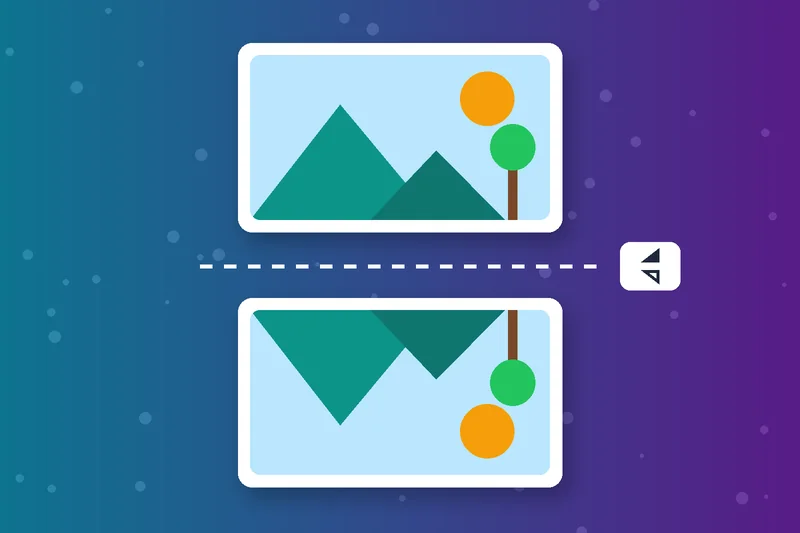
Flip an Image Upside Down
Choose Flip Vertically to flip an image top to bottom. Use it for water reflections, patterns or designs that need to face the other way.
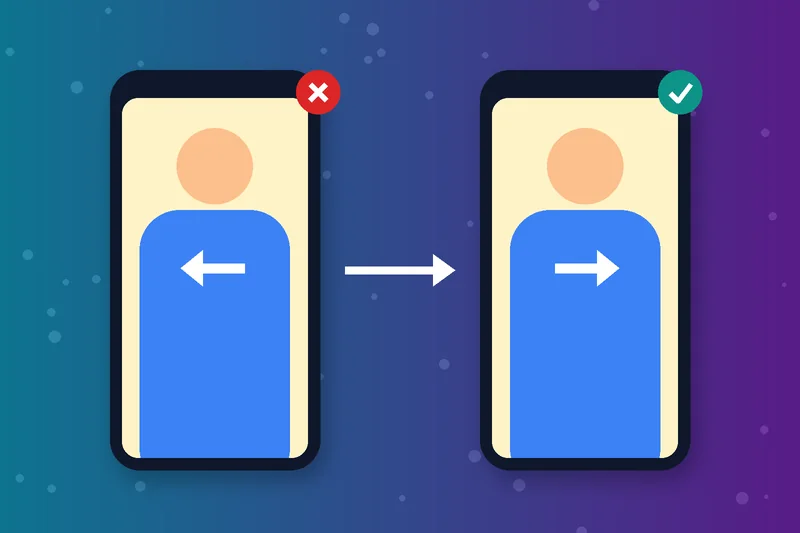
Mirror Photos to Fix Selfies
Some front cameras save selfies reversed, so text on your shirt reads backwards. Mirror the photo once and everything reads the right way round.
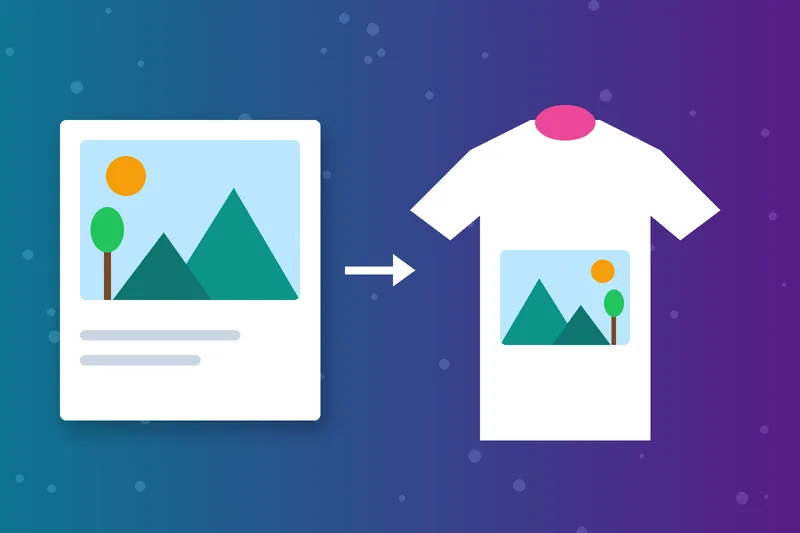
Flip Pictures for Design and Print
Designers flip a picture to balance a layout or point a subject toward the text. Iron-on transfers also need a mirrored image before printing.
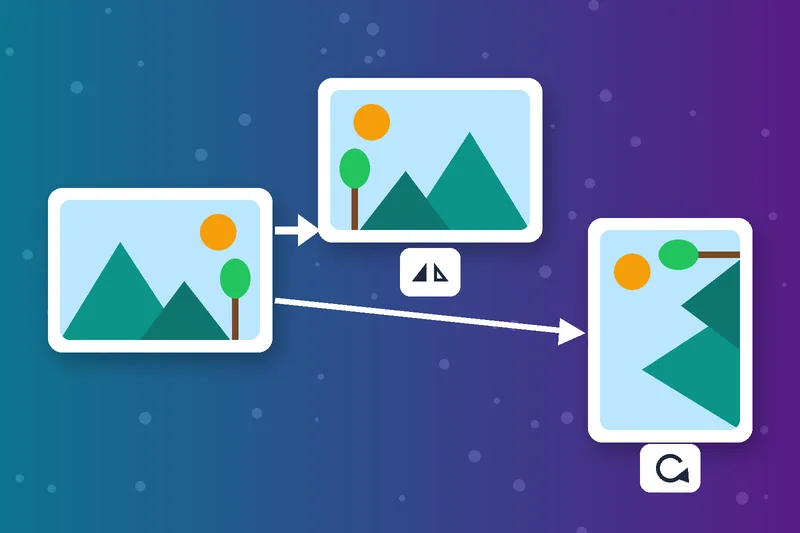
Image Mirror vs Rotate
An image mirror reverses the picture like a reflection. Rotating only turns it. If your photo is sideways, use Rotate Image instead.
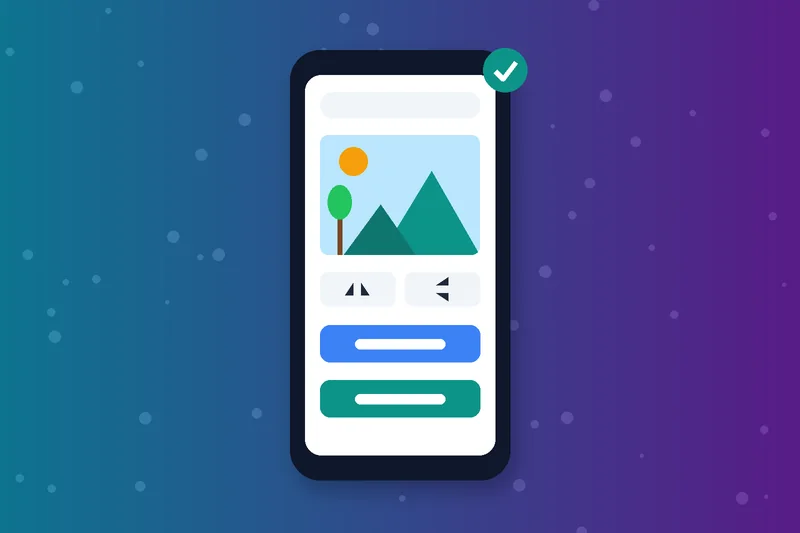
Flip Photos Online on Any Device
Flip a photo online from Windows, Mac, Android or iPhone, right in the browser. Upload from your device or paste an image URL, up to 5 MB.
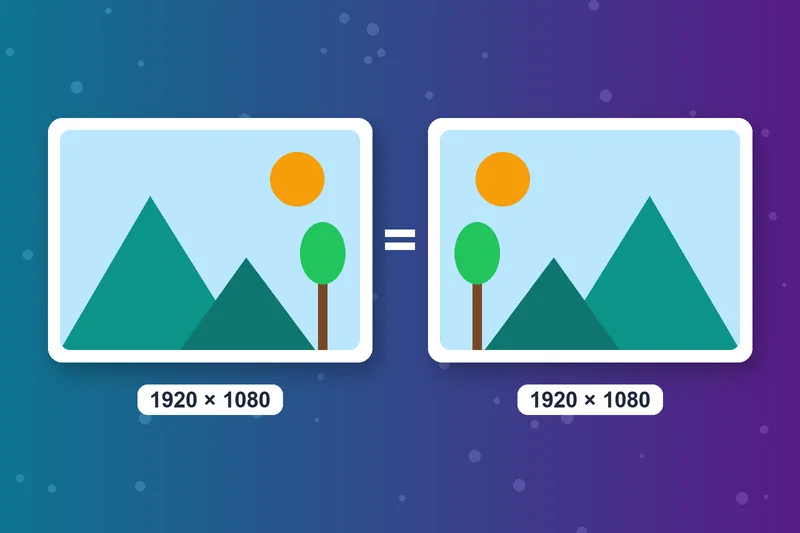
Image Flip Online Keeps the Same Size
Flipping keeps the same width, height and resolution. Only the direction changes, so the photo flip is ready to post or print straight away.
How to Flip an Image
Upload your image
Choose a direction
Click Flip Image
Download Image
Flip Image FAQs
How do I flip an image?
How do I mirror an image?
How do I flip a photo on iPhone?
How do I flip a picture in Word or Google Docs?
What's the difference between flip and rotate?
Does flipping reduce photo quality?
Can I flip a picture both ways?
Is the image flipper free?
Flipped? Finish the edit.
Straighten it with Rotate Image or trim the edges with the Image Cropper.
Rotate Image
Raheel Jakhura
CEO / Co-Founder
Our goal is to provide online free tools so you don't have to install any software for basic usages. We are trying to add more tools and make these tools free forever.
